Ledger entries (Fair value basis)
The Ledger entries (Fair value basis) report allows you to export fair value adjustments in journal entry format for a specific period. These exports can be imported directly into third-party ERP software, making it easier to keep your accounting records up to date.
This report is particularly useful if you need to track how the fair value of your assets has changed over time. It provides a detailed breakdown of all accounting entries, including fair value adjustments, so you can reconcile them with your general ledger.
The structure of this report is similar to the standard Ledger entries report, but with the addition of fair value adjustments.
How to Generate a Ledger Entries (Fair Value Basis) report
Follow these steps to create the report:
Navigate to Reports from the left-side navigation bar.
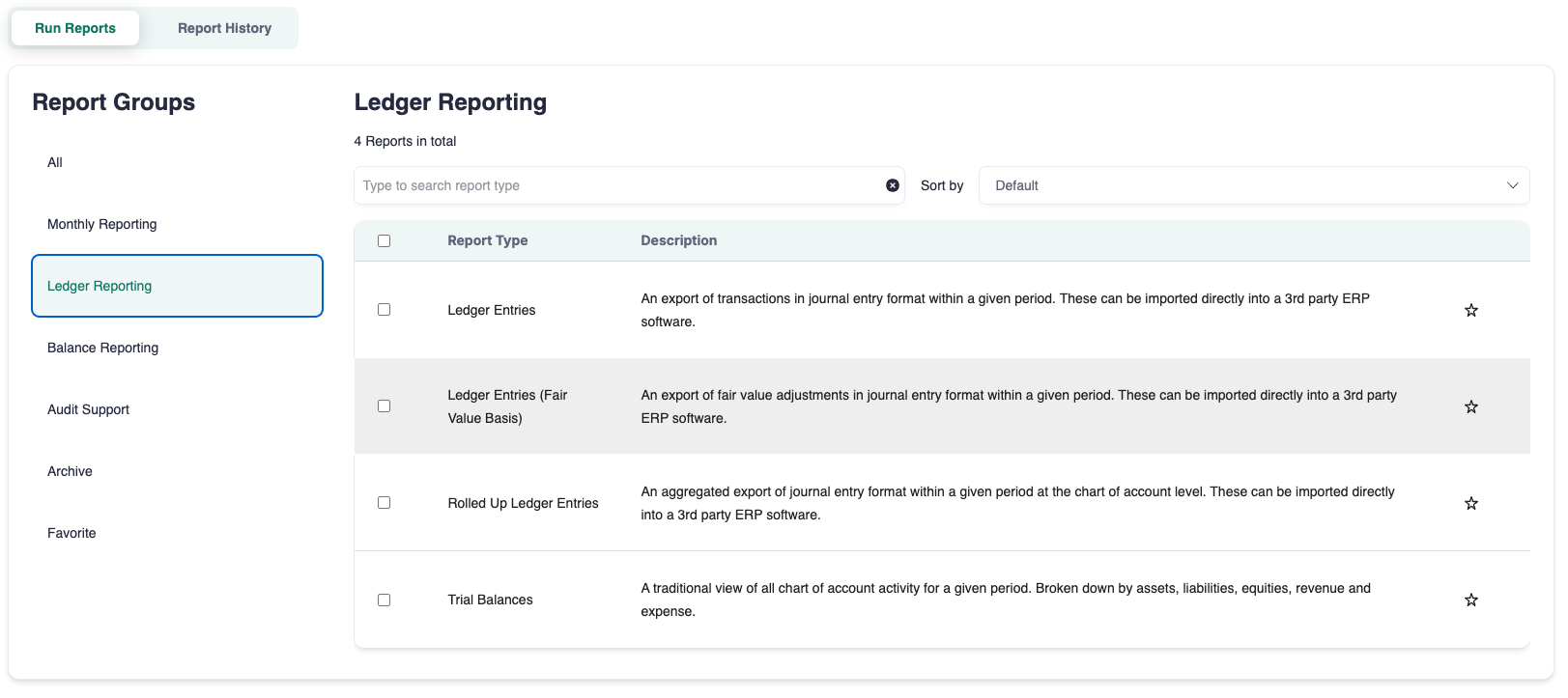
Type Ledger Entries (Fair Value Basis) in the search bar or find it under the Ledger Reporting sections.
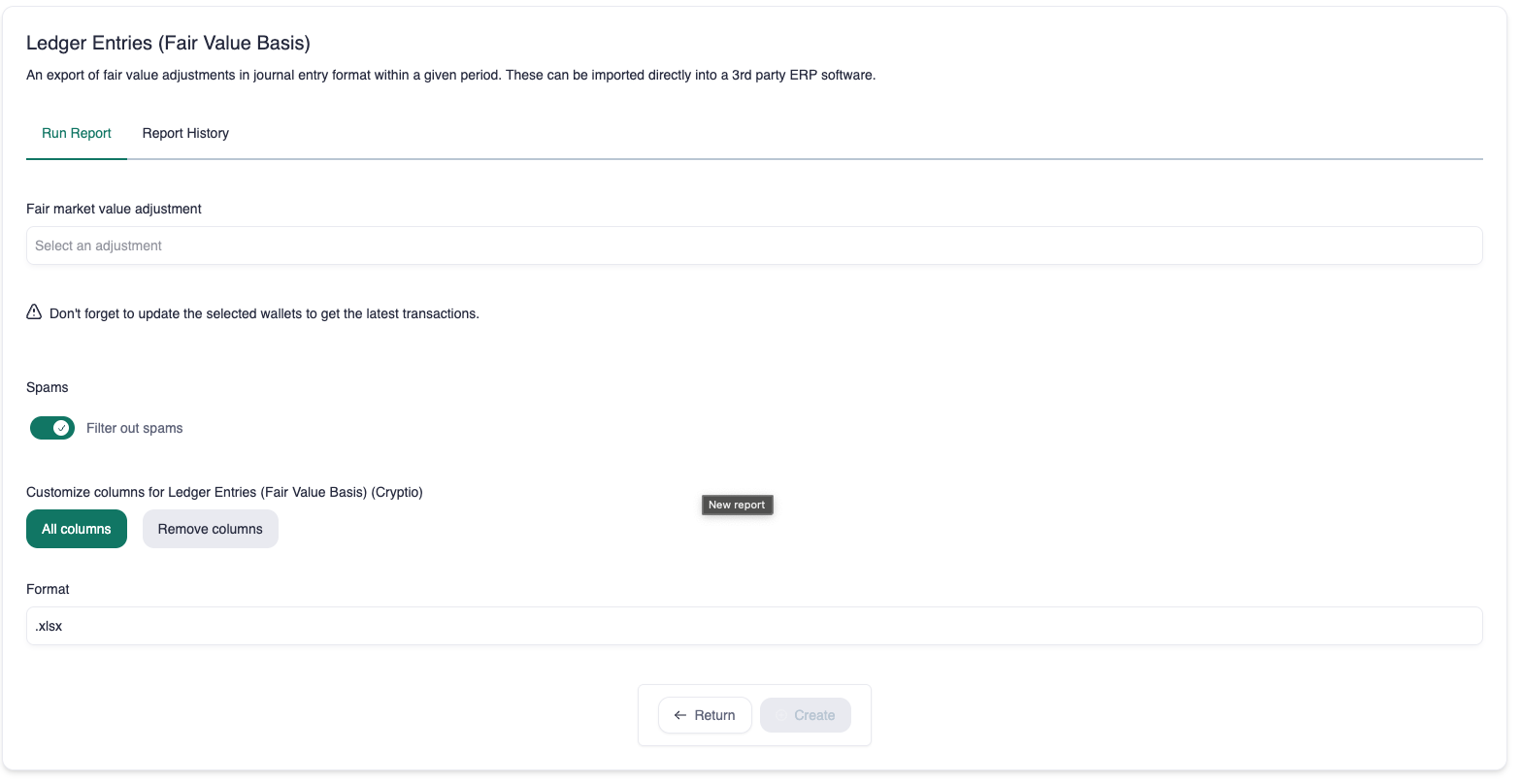
Select the correct Fair market value adjustment.
Select the export format and click Create.
Download the report:
You’ll be redirected to Report History.
Once generated, the report will appear in the reports list.
Click the download icon in the Actions column to save it to your device.