Fees expenditure report
The Fee Expenditures report gives you an overview of all fees paid from your account. This is especially useful when you have transactions that are non-taxable but where the fee itself is a taxable event.
What the report includes
The report contains:
Fee volume
Transaction hash
Spend in USD
You can view the report broken down by asset or by wallet. There is also a separate tab showing the total fees per asset.
How to Generate the Fees Expenditure Report
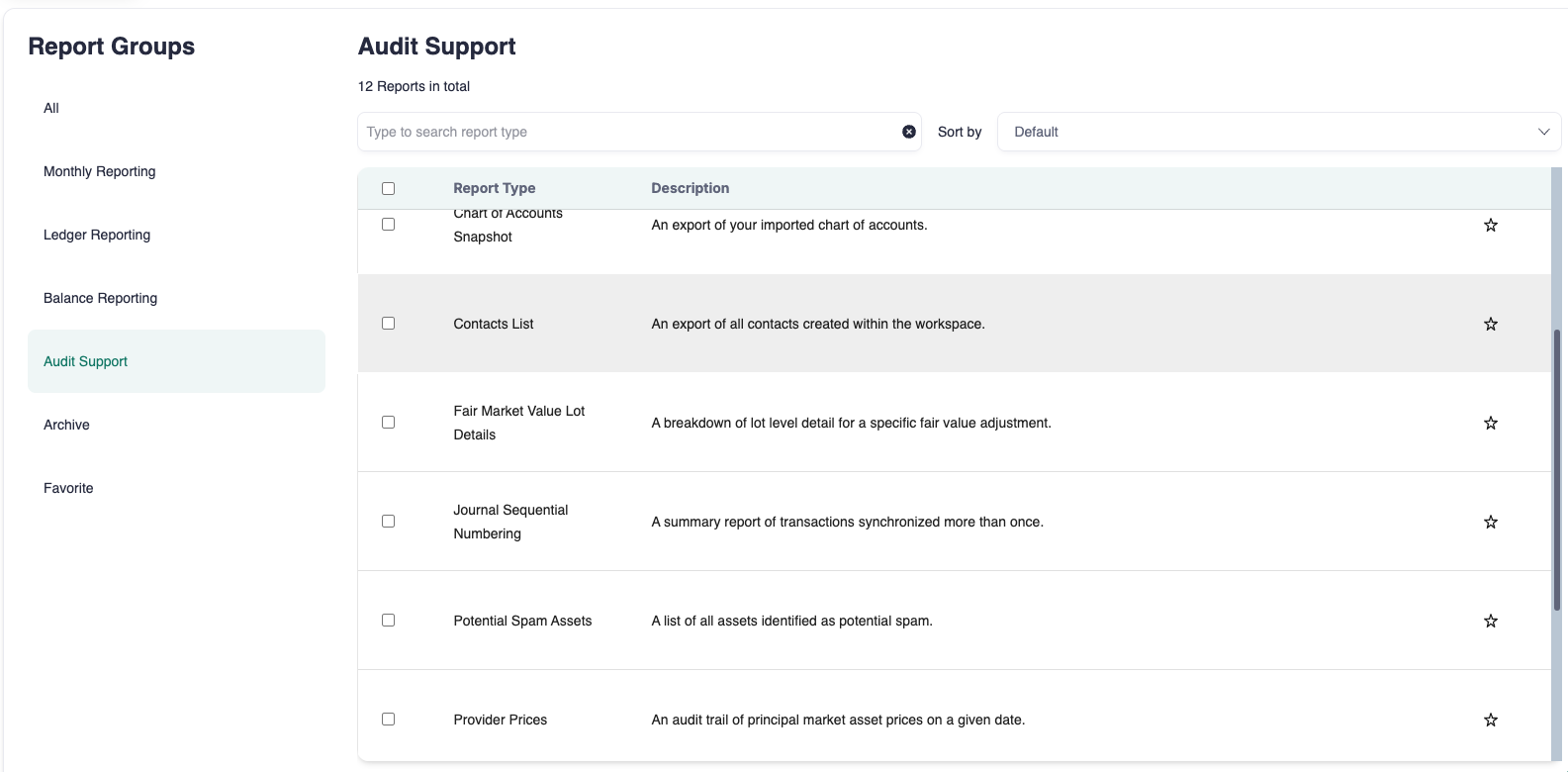
Go to the Reports page.
Type Fees Expenditures in the search bar.
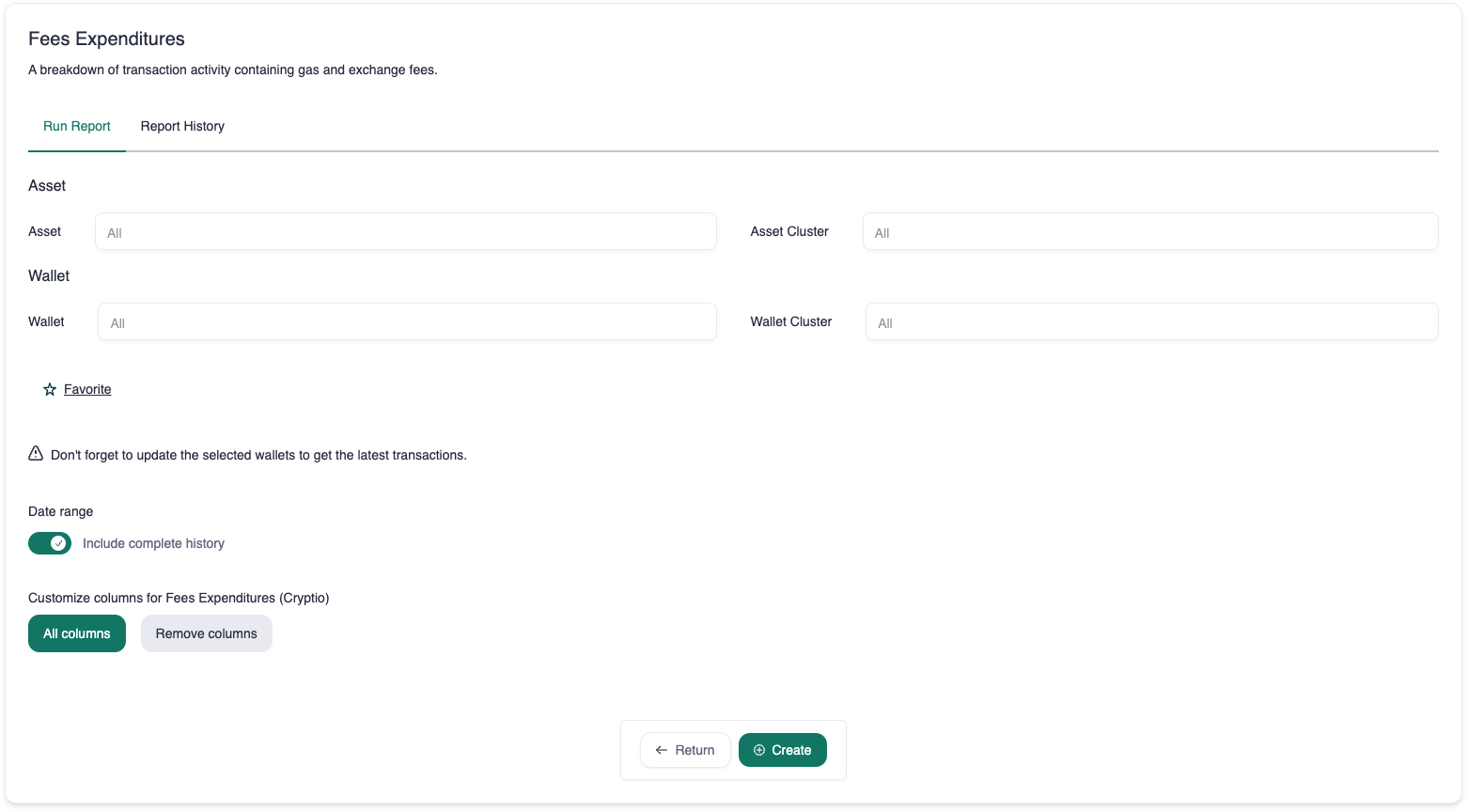
By default, all assets are included. Select a specific asset if needed.
By default, all wallets are included. Select a specific wallet if needed.
Choose a date range or select complete history.
Click Create.
Once the report appears, click the download icon under the Actions column.