
Loan management: Collateral dashboard
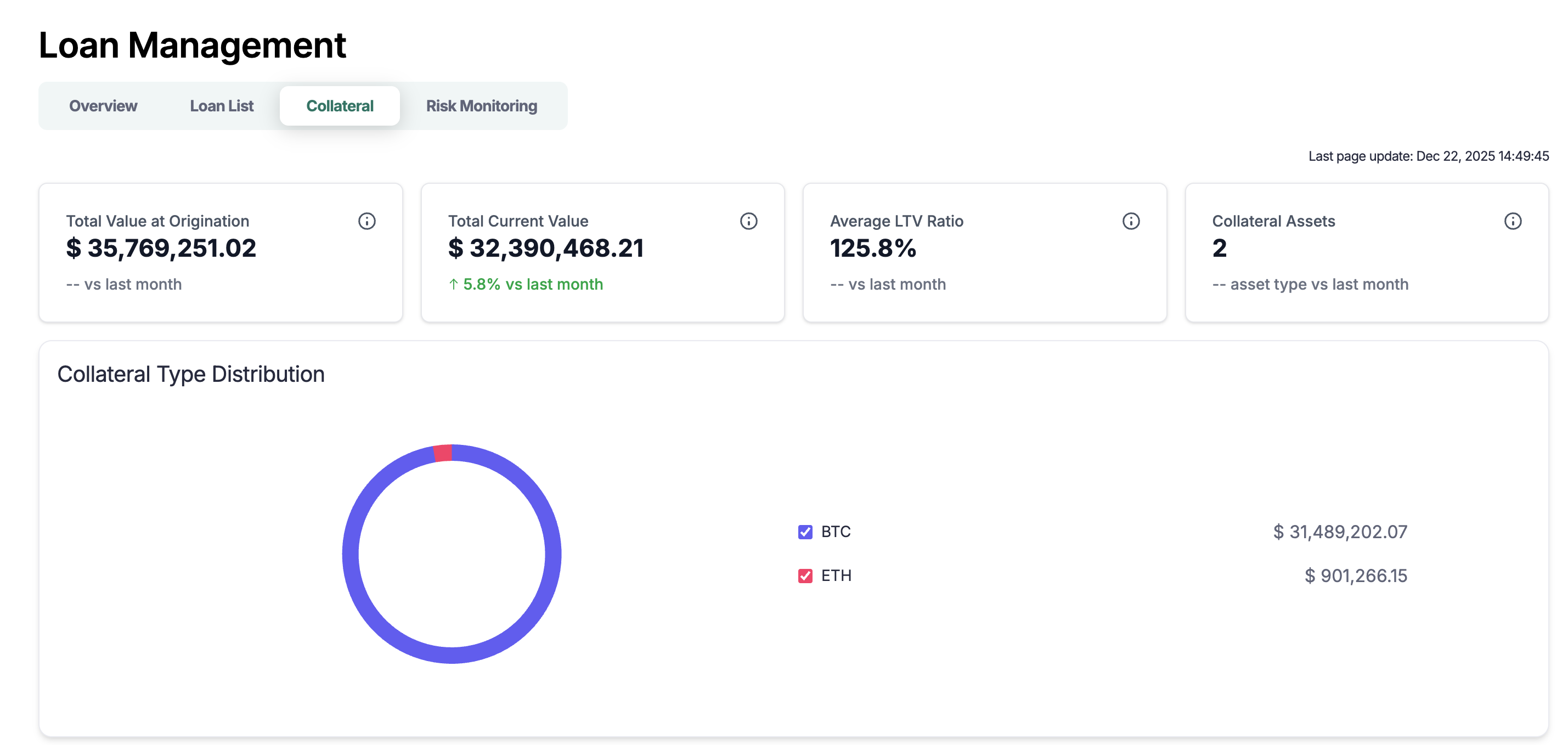
Use the Collateral dashboard to:
Track collateral value and coverage by asset
Drill into wallets contributing to collateral FMV
Real-time collateral monitoring (30s updates)
Before you start
The Loan Management System is enabled for your workspace
Loan and loan terms are created together
Market price sources configured for FMV updates
Open the Collateral dashboard
In the left side navigation bar, select Loan Management
Navigate to the Collateral tab at the top.
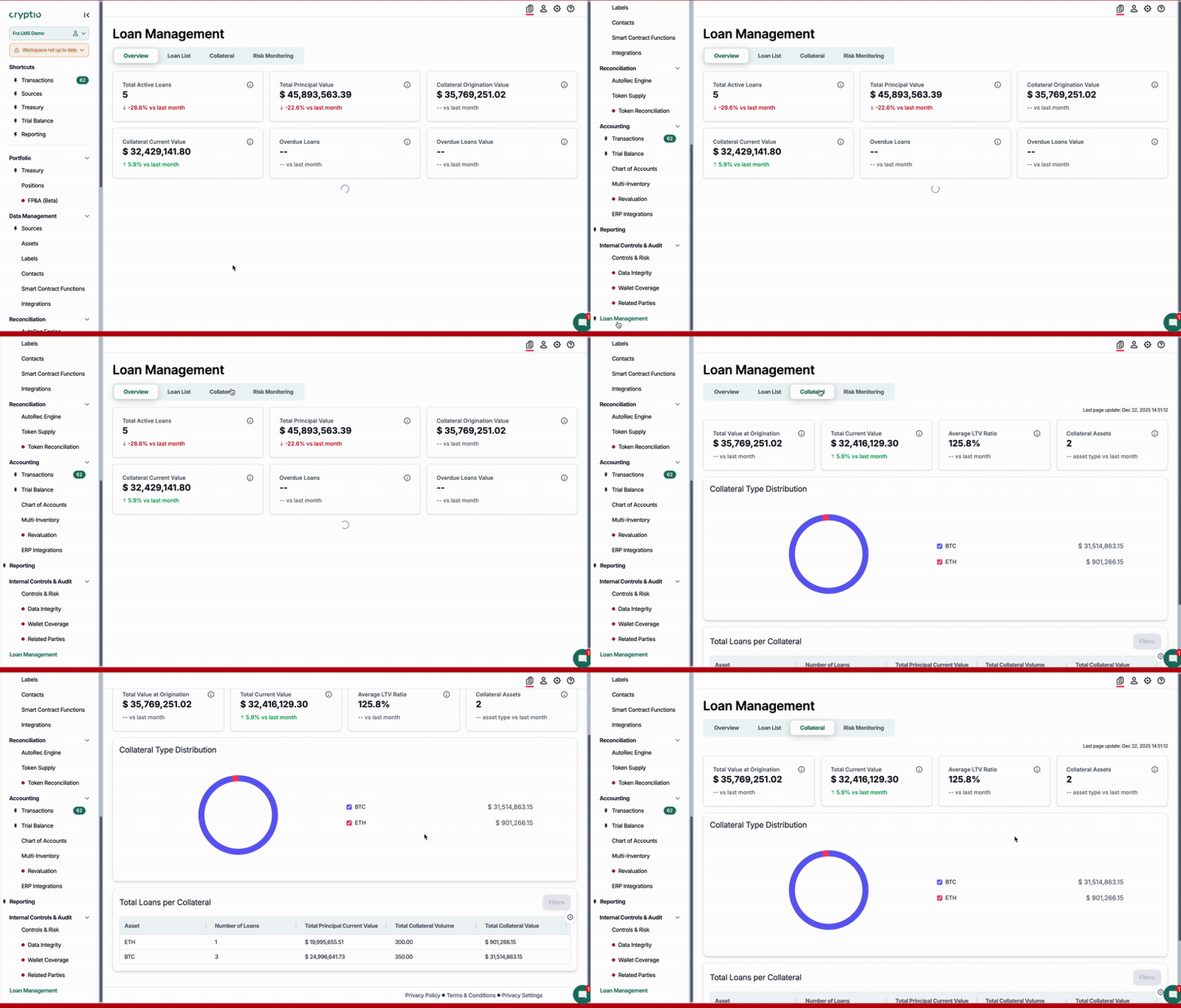
Key metrics on the dashboard
These metrics give you a clear overview of your collateralized loan activity, both at origination and in real time.
Total Origination Value
Shows the total USD value of collateral posted when loans were opened.
Includes a month-over-month comparison to track growth or changes in loan activity.
Total Current Value
Displays the current fair market value (FMV) of all collateral supporting active loans.
LTV Ratio (Loan-to-Value)
Calculated as: Principal ÷ Collateral FMV
Helps you monitor leverage levels and assess liquidation risk.
Collateral Asset Breakdown
Summary of all assets used as collateral, including their distribution by asset type and percentage of total value.
Loans by Collateral Type
Shows how many loans are backed by each collateral asset, helping you understand concentration and exposure.
Troubleshooting tips & tricks
Missing FMV
Confirm the price source exists for the asset and date
Check asset mapping and symbol
Wrong currency totals
Review reporting currency and conversion settings
FAQs
How is LTV calculated?
LTV = Principal ÷ Collateral amount
Can I export the dashboard?
Not yet, but we're working on adding this feature.
Note that the dev team is working hard to provide further functionalities